Posting a product? Check four things before you send it
Check the item, promise, media and destination so a product post leads customers to something your team can actually sell.
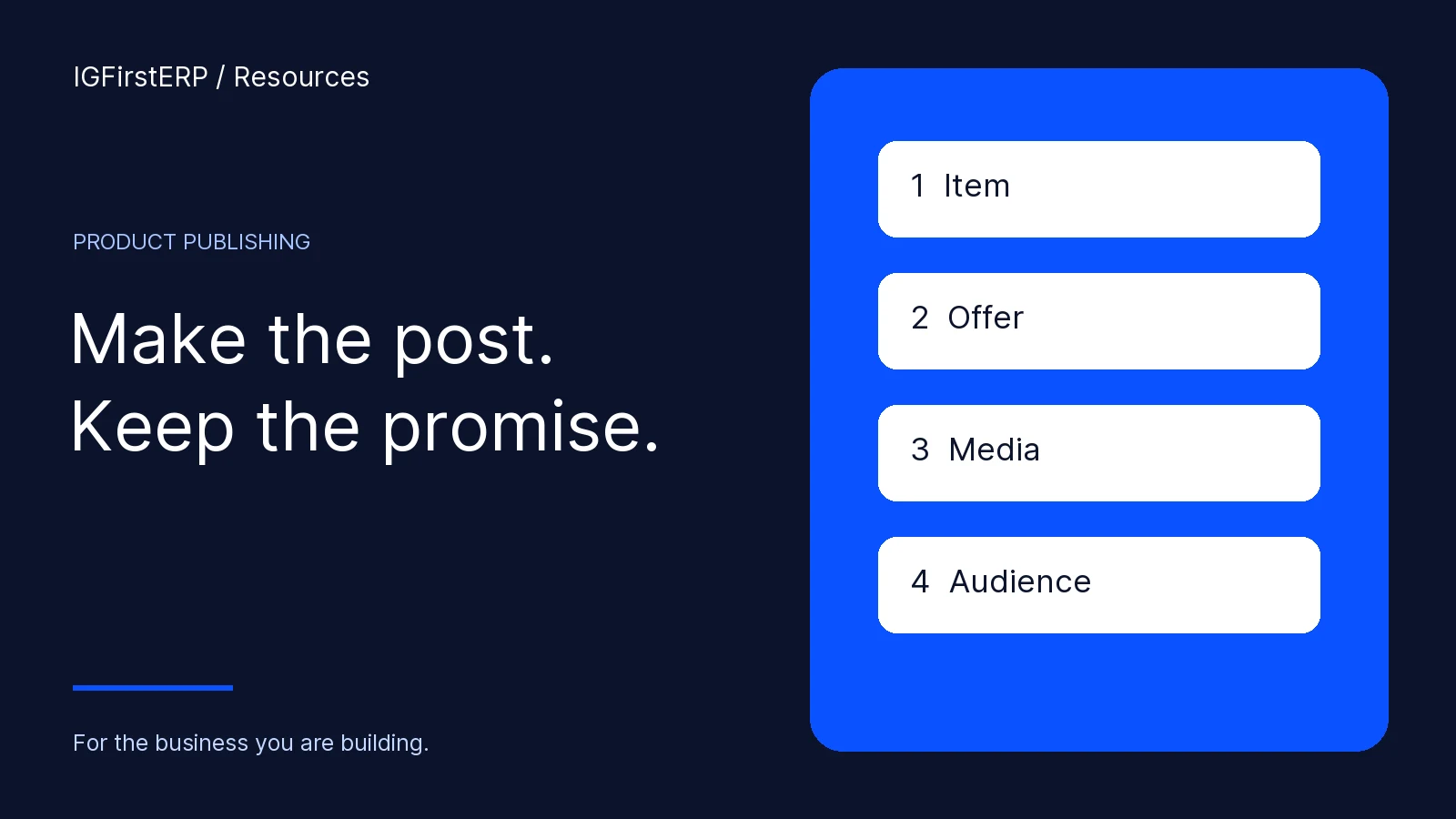
Before publishing a product, check the exact item, the offer, the media and the destination. A polished post can still create a difficult working day if it advertises an unavailable option, quotes the wrong unit or sends customers to a colleague who cannot finish the sale.
Picture the morning after a popular post. People ask for the blue lunch box in the photograph. The team has coral in stock. The caption says “pack”, but the price was meant for one piece. Staff spend the next hour apologising instead of serving customers.
The answer is a short review before sending, followed by a check of what customers actually received.
Check one: the product your team will supply
Select the exact product and option. Confirm colour, size, design and selling unit. Then check the location that will fulfil orders from the post. Goods in a warehouse are useful only if your team can supply them under the promise in the caption.
Look for commitments already made to customers. A quantity on screen needs to be understood alongside orders, preparation and the configured selling rules. If availability is uncertain, resolve it before broadcasting a confident offer.
In IGFirstERP’s supported product-publishing flow, begin from the selected products and their actual media. Review the selected items deliberately; do not assume the last product shown on the page is the product included in the prepared post.
Check two: the promise in the caption
Tell the customer what they are buying. Include the useful specifics: capacity or size, colour, quantity, unit and price where appropriate. Make collection or delivery instructions clear enough for the next step.
A good caption can be short. For a fictional product: “Navy flask, 750ml. ₦6,200 per piece. Ask us to confirm current stock and your collection or delivery option before paying.” That is a teaching example, not a live offer from Harbour Trade Stores.
Check any discount dates and eligibility. Do not leave last month’s offer inside a saved caption. If a customer must buy a carton to receive a particular price, say so rather than leaving staff to explain it after the enquiry arrives.
Use a clear next action: visit the matching product page, enquire on the business sales channel or follow the supported order route. Choose the path your team will actually monitor.

Check three: what the photograph or video shows
Use the correct item and an image you have permission to publish. A product photograph should help someone recognise the goods, rather than merely decorate the post.
Check the crop on a phone. Can the customer see the relevant colour and size? Is text readable? Are there private names, phone numbers or order details visible in a screen capture? Remove those before publishing.
If several designs are included, make it clear which are selectable and which are illustrative. Avoid a photograph of a full set beside a price for one piece without explaining the difference. Your team should not need to correct a misleading picture in every conversation.
A genuine product screen can support a demonstration, but it should show only safe data. Hide private customer details before sharing a screen publicly.
Check four: where the post is going
Review the connected destination by name. A test channel, a personal account and the business channel are different audiences. Before sending, confirm that the chosen destination is the one intended for this offer.
Direct publishing and manual sharing are different actions. With a configured supported direct route, the system submits the prepared content to the selected destination. With manual sharing, it prepares material for a person to finish posting. Preparing a share is not evidence that the audience received it.
IGFirstERP supports configured Telegram publishing. Its other publishing routes depend on account readiness, supported media and provider approval. Instagram and TikTok automatic publishing require the relevant eligible connection; TikTok’s configured route is immediate rather than scheduled. WhatsApp manual sharing still needs the person to complete the share. Official WhatsApp Groups remain subject to pilot eligibility.
Use the route the account actually has. Confirm the connection before planning a campaign around it.
From a prepared product to a Telegram result
Select your product, review the caption and media, then choose the connected Telegram channel. Send the post and open the channel to check exactly what your audience received.
Check the product, price, image and link together. Your customers should see one clear offer and one clear next step.
Compare the received product, caption, image and link with the prepared content. If something differs, preserve the result and fix the cause before repeating the send. Sending again without checking can leave customers with duplicate or conflicting offers.

Give the enquiry somewhere useful to land
Publishing finishes one part of the work. Someone still needs to answer the customer, confirm the goods and take the next step. Agree who monitors responses and what happens when that person changes shifts.
Link to the most relevant page. A flask post should lead to the flask or an appropriate enquiry route, not a general article that leaves the customer searching again. Give the customer a direct route to ask, order or buy.
Tag public campaign links using the existing marketing convention. A click tells you someone followed the link; it does not prove an order, installation or successful setup. Review enquiries and completed work separately when those events are measured.
When the post needs a correction
If the price, item or promise is wrong, correct the public message through the channel’s available controls. Alert the team handling enquiries and contact affected customers through the approved customer-service process.
Record what changed and why. A quiet edit can leave staff relying on screenshots of the earlier offer. Keep the operational team aware so they give customers a consistent explanation.
For scheduled work, review the live offer and current availability before the next run. Saved media and captions need maintenance as products, prices and fulfilment plans change.
You are done when…
- The post names the exact item and selling unit.
- The offer matches the price and fulfilment promise your team can honour.
- Media is accurate, readable and approved for use.
- The selected destination is correct and ready.
- A direct delivery is verified, or the manual sharing step is clearly assigned.
- Someone owns the enquiries that follow.
Make the next working day easier
See how product publishing connects with customer follow-up. Ready to try the steps? Open the product publishing guide.